

Hey there! If you're looking to install OM3 10G fiber in your ceiling, you've come to the right place. I'm a supplier of OM3 10G fiber products, and I've got plenty of hands - on experience with this stuff. In this blog, I'll walk you through the whole process step - by - step.
Why OM3 10G Fiber?
First off, let's talk about why OM3 10G fiber is a great choice. OM3 fiber is designed for high - speed data transmission, capable of supporting 10 Gigabit Ethernet up to 300 meters. It's perfect for data centers, offices, and other places where you need fast and reliable network connections. Whether you're setting up a new network or upgrading an existing one, OM3 10G fiber can give you the performance you need.
Planning the Installation
Before you start pulling cables through the ceiling, you need to do some planning.
Site Survey
The first step is to conduct a site survey. Walk around the area where you want to install the fiber. Look for any obstacles like ventilation ducts, electrical wires, or structural beams that might get in the way. Make a note of the locations of your network equipment, such as switches and servers, and plan the shortest and most direct routes for the fiber cables.
Cable Length Calculation
Measure the distance between your network equipment and the endpoints where you want to install the fiber. Add a little extra length (about 10 - 15%) to account for any bends or twists in the cable. This will ensure that you have enough cable to work with and that you don't end up with a cable that's too short.
Cable Quantity
Determine how many cables you need. This depends on the number of connections you want to make. If you're setting up a small office network, you might only need a few cables. But for a large data center, you could need dozens or even hundreds of cables.
Gathering the Tools and Materials
Once you've completed the planning phase, it's time to gather the tools and materials you'll need for the installation.
Tools
- Fiber Cable Puller: This is used to pull the fiber cables through the ceiling. You can rent one from a local equipment rental store if you don't have one.
- Cable Cutters: To cut the fiber cables to the right length.
- Cable Ties: These are used to secure the cables in place.
- Fiber Optic Cleaver: For cutting and preparing the fiber ends.
- Fusion Splicer or Mechanical Splicer: Depending on your preference and the type of splices you need to make.
- Testing Equipment: Such as an optical time - domain reflectometer (OTDR) and a light source and power meter to test the fiber connections.
Materials
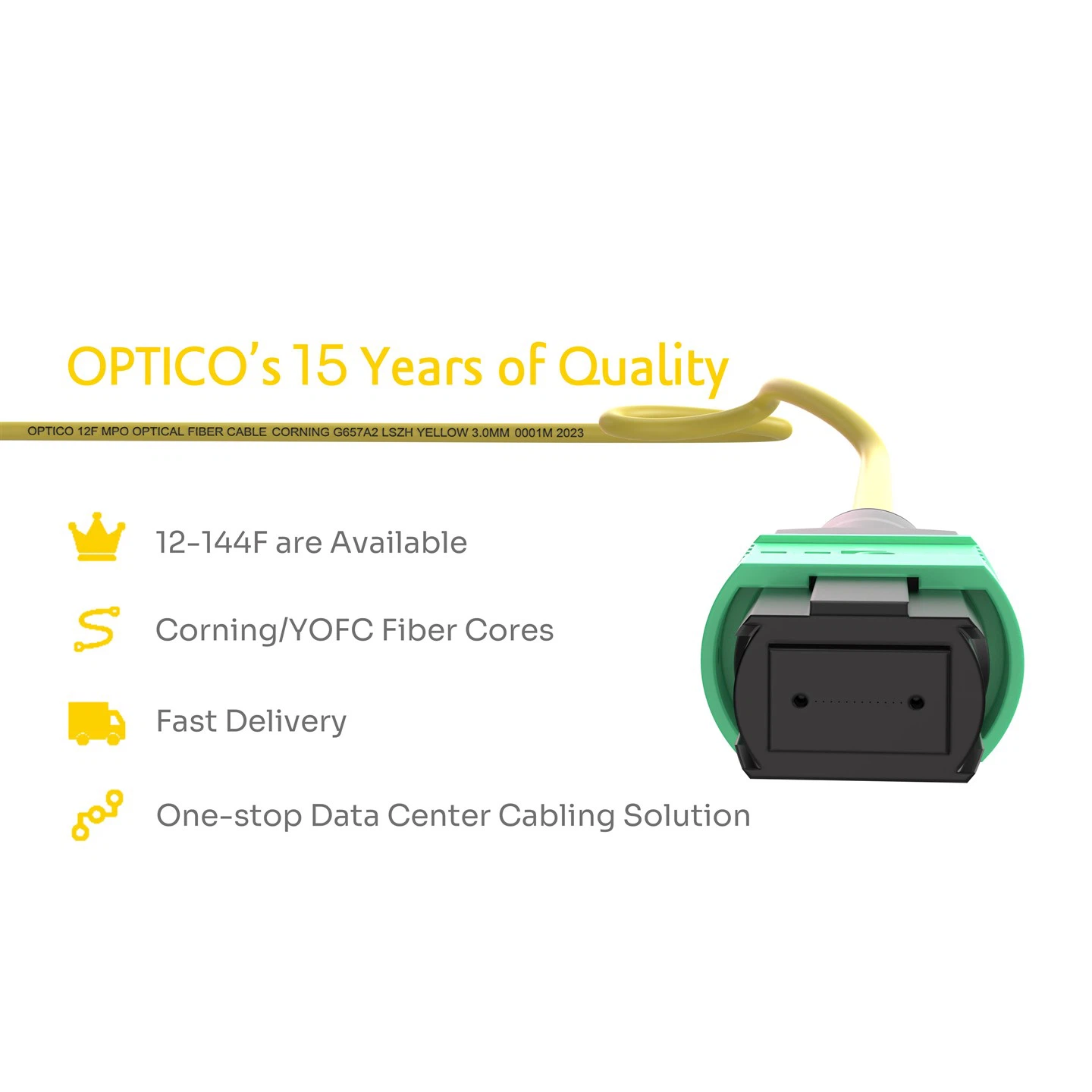
- OM3 10G Fiber Cables: Of course, you'll need the fiber cables themselves. We offer a wide range of OM3 10G fiber cables, including 24F 2x12F MTP MPO To 3x8F MTP MPO Backbone Patch Cable OM5, 12F MTP OS2 Backbone Patch Cord Female, and 8F MPO - MPO Female Trunk Cable OM4.
- Fiber Connectors: Make sure you have the right type of connectors for your cables.
- Cable Management Accessories: Like cable trays, racks, and patch panels to keep your cables organized.
Installing the Fiber Cables
Now, let's get into the actual installation process.

Preparing the Ceiling
If your ceiling is accessible, remove the ceiling tiles or panels in the areas where you'll be installing the fiber cables. This will give you easy access to the space above the ceiling. If your ceiling is not accessible, you may need to use a cable fishing tool to pull the cables through the ceiling.
Pulling the Cables
Attach the fiber cable to the cable puller. Start at the location of your network equipment and slowly pull the cable through the ceiling along the planned route. Make sure to pull the cable gently to avoid damaging it. As you pull the cable, use cable ties to secure it to the ceiling joists or other support structures at regular intervals.
Splicing the Cables
Once you've pulled the cables to their endpoints, it's time to splice them. If you're using a fusion splicer, clean the fiber ends with a lint - free cloth and alcohol. Then, use the fiber optic cleaver to make a clean cut on the fiber ends. Place the fiber ends in the fusion splicer and follow the manufacturer's instructions to make the splice. If you're using a mechanical splicer, the process is a bit different, but it's still relatively straightforward.
Terminating the Cables
After splicing the cables, you need to terminate them with connectors. Clean the fiber ends again and insert them into the connectors. Follow the instructions that come with the connectors to properly install them.
Testing the Installation
Once you've installed and terminated the fiber cables, it's crucial to test the installation to make sure everything is working properly.
Visual Inspection
First, do a visual inspection of the cables and connectors. Look for any signs of damage, such as cuts or kinks in the cables, or loose connectors.
Optical Testing
Use an OTDR to measure the loss of the fiber cables. The OTDR will send a pulse of light through the cable and measure the amount of light that is reflected back. This will give you an idea of the quality of the cable and any splices or connectors. Also, use a light source and power meter to measure the power of the light signal at the endpoints of the cable. The power should be within the acceptable range for your network.
Cable Management
Proper cable management is essential for a successful installation. Use cable trays and racks to organize the cables. Label the cables clearly so that you can easily identify them in the future. This will make it easier to troubleshoot any problems that may arise and to perform maintenance on the network.
Final Thoughts
Installing OM3 10G fiber in a ceiling can be a challenging but rewarding project. By following these steps and using the right tools and materials, you can ensure a successful installation. If you have any questions or need help with your OM3 10G fiber installation, don't hesitate to reach out. We're here to support you every step of the way. Whether you're a small business owner looking to upgrade your network or a large - scale data center operator, we've got the products and expertise to meet your needs. Contact us to discuss your requirements and let's work together to get your network up and running at top speed.
References
- "Fiber Optic Installation Handbook"
- Manufacturer's manuals for fiber optic tools and materials